Jotform
In this guide, you’ll learn how to activate the Jotform integration in Prepr CMS. This integration allows marketers to embed interactive forms and collect responses directly in your content.
Introduction
Jotform is an online form builder that allows users to create and manage custom online forms, apps, and e-signatures. If your tech stack includes Jotform to maintain your forms, you can add Jotform forms directly in Prepr.
Activating Jotform integration
Activate Jotform in Prepr
To connect Prepr to Jotform, you first need to get the API key from your Jotform account.
- After logging into your Jotform account, click your profile to open the profile menu and choose the Settings option.
- Choose API from the left-hand menu and click Create new key.
Check out the Jotform help guide for more details.
Once you have the API credentials, you can activate the Jotform integration in Prepr by logging in to your Prepr account.
If you need to activate the integration for all environments in your organization, go to the icon in your organization.
- Click the icon, and choose the Integrations option to view all available integrations.
- Then go to the Jotform card and click the Activate button.
- Paste the API key value you copied from your Jotform account, choose the Region and click the Save button.
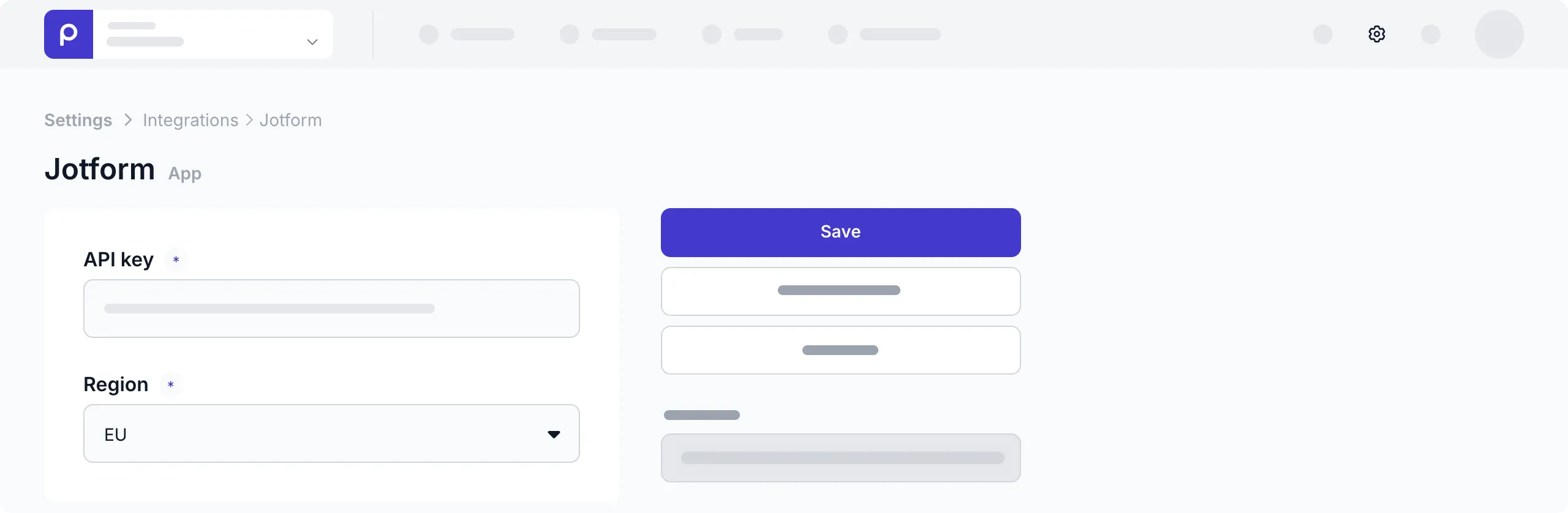
That’s it. You’re connected Prepr to Jotform making it possible to choose Jotform for form fields.
Make Jotform forms available in content items
Once the Jotform integration is activated, the form field becomes available for models and components. To allow content editors to include Jotform forms in their content items, follow the steps below:
-
Go to the Schema page and click the model or component for the content items that will include Jotform forms.
-
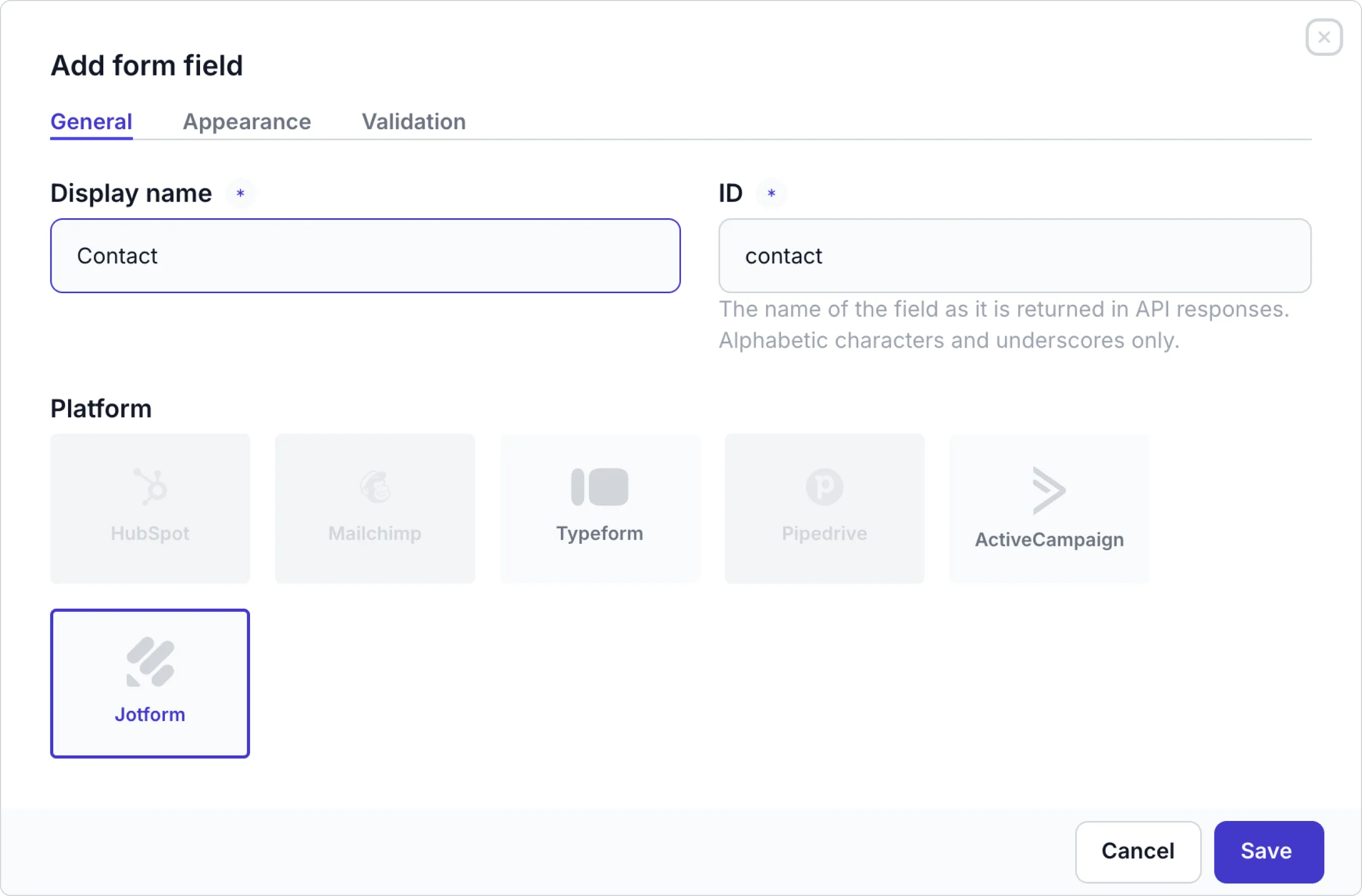
Click or drag the Form field type to add the form field to the model or component.
-
Enter a name for the form field and choose Jotform as the platform.
-
Instead of a field in the model or component, you can also update the Dynamic content field settings to enable the Remote sources and forms content type and check the Jotform option to include the form in a Dynamic content field.
That’s it. The Jotform integration is activated and content editors can now embed Jotform forms in content items.