Propeller
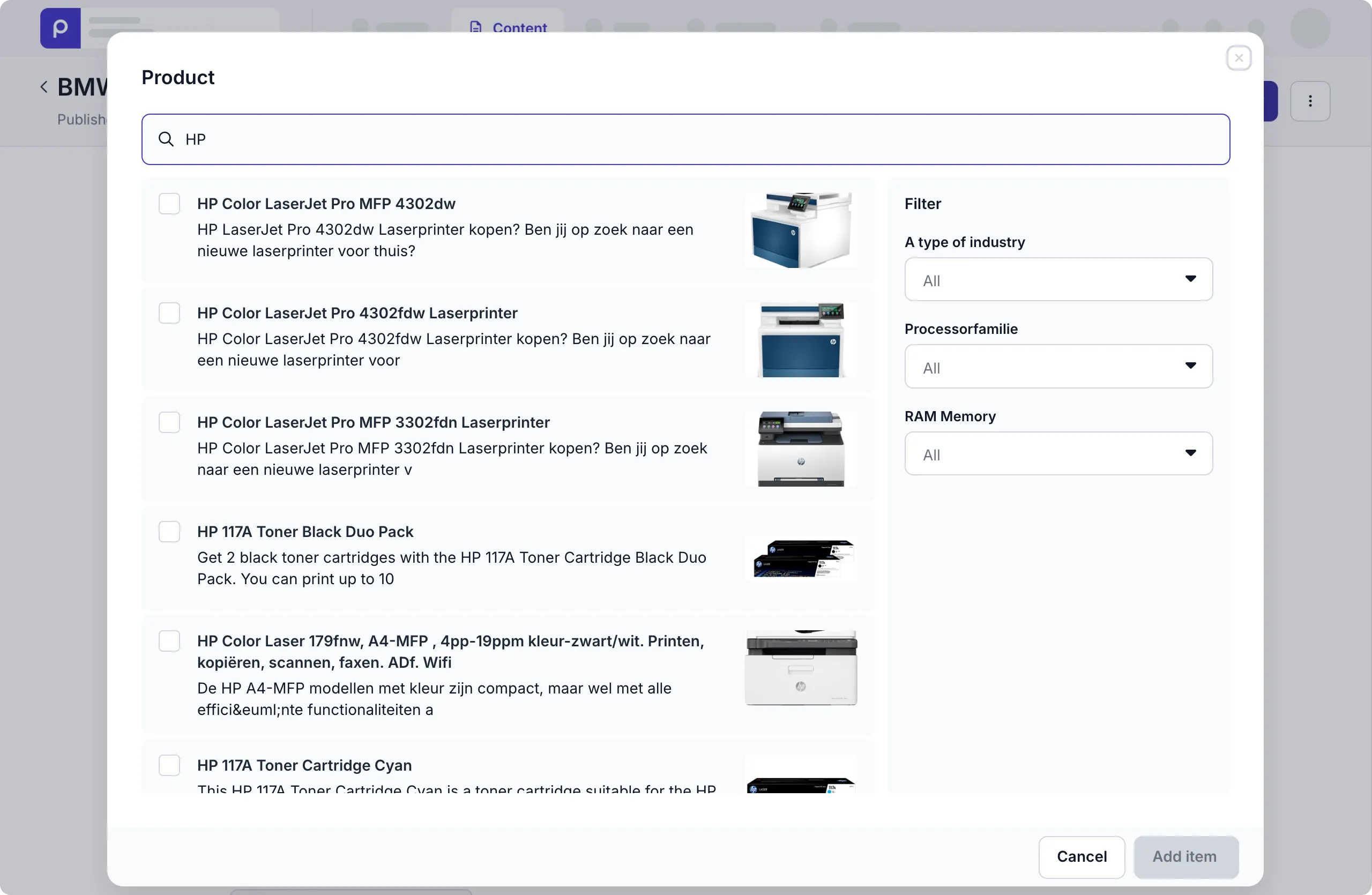
This integration allows content editors to select Propeller products in Prepr content items.
Introduction
You can connect Prepr to Propeller , an AI Platform for B2B Sales and Commerce. This integration allows you to view and search Propeller products from within Prepr to include them in your web app content.
Activating Propeller integration
Create a Propeller API Client
Before Prepr can interact with your Propeller account, you need to get a Propeller commerce API key :
- Log in to your Propeller account and go to the Admin menu in the sidebar.
- Choose the API Keys option and click the New GraphQL API Key button.
- Enter a descriptive name, like Prepr API key.
- Choose the following Role Definition values:
- Product Data → Viewer
- Shop & channel → Viewer
- Order Data → Viewer
- Click the Save button to generate the key. Once saved, make sure to copy the API Key value.
Connect Prepr to Propeller
Now that you have a Propeller API key, you can add Propeller as a remote source in Prepr by following the steps below:
If you need to activate the integration for all environments in your organization, go to the icon in your organization.
-
Click the icon and choose the Integrations option to view all available integrations. Go to the Propeller card and click the Activate button.
If you do not have access to the Propeller integration yet, click the Try for free link to contact our Sales team.
-
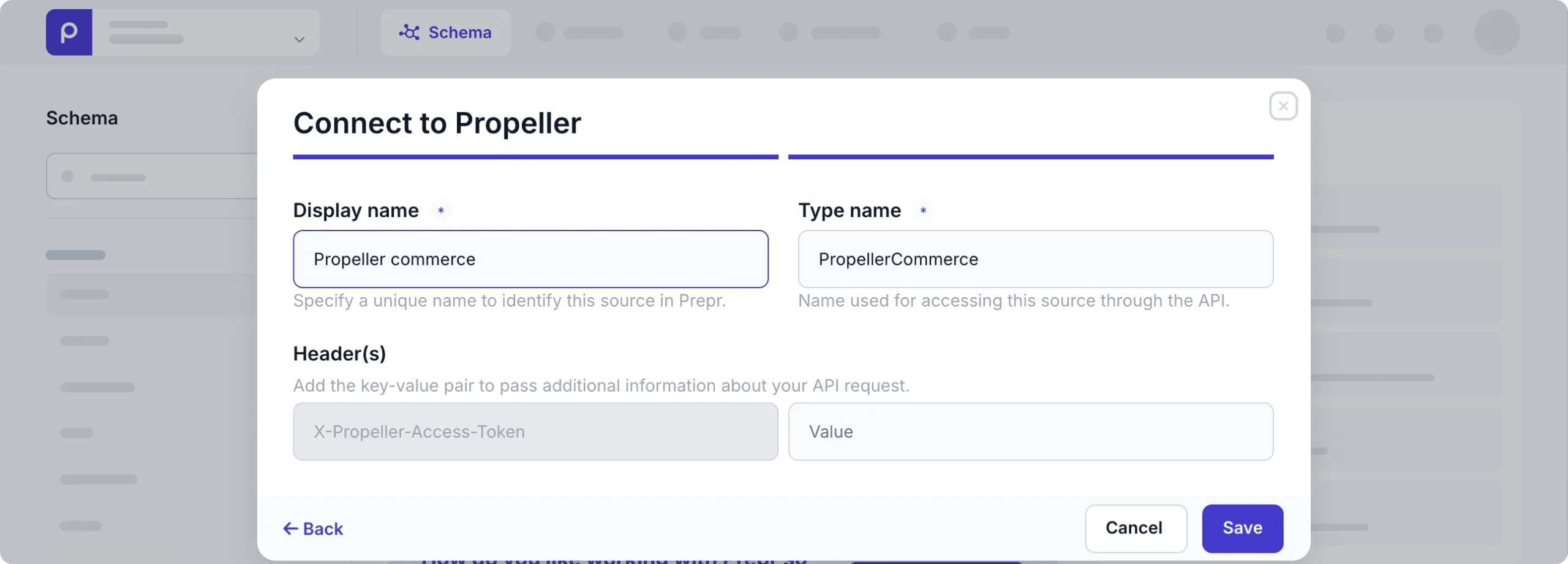
In the Connect to Propeller modal, paste the Propeller commerce API key you saved in the previous step.
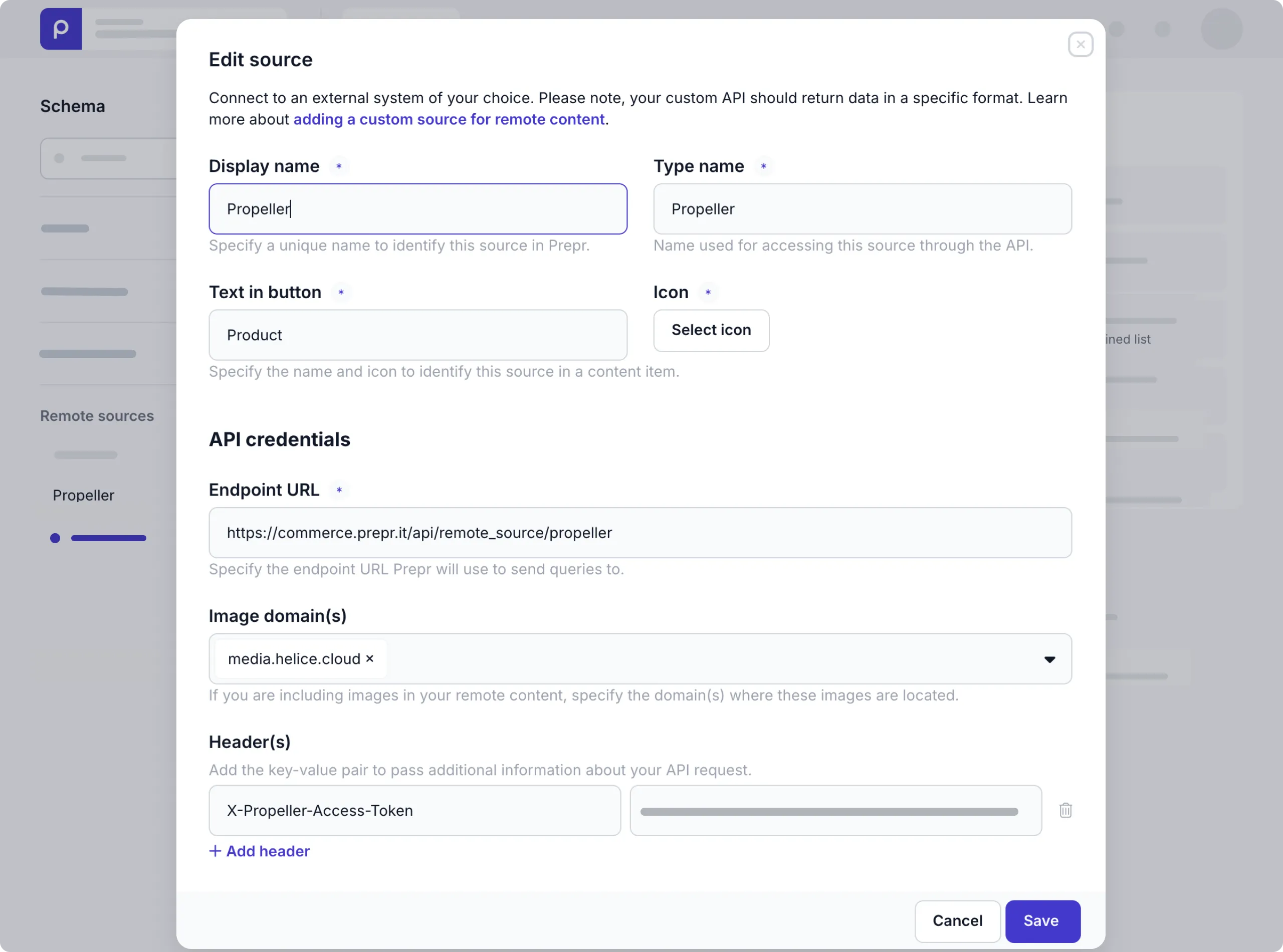
Once the integration is activated, you can see the Propeller remote source in the Schema page.
Allow editors to add Propeller products to content items
Once you’ve connected to Propeller, follow the steps below to allow editors to add Propeller products to content items.
-
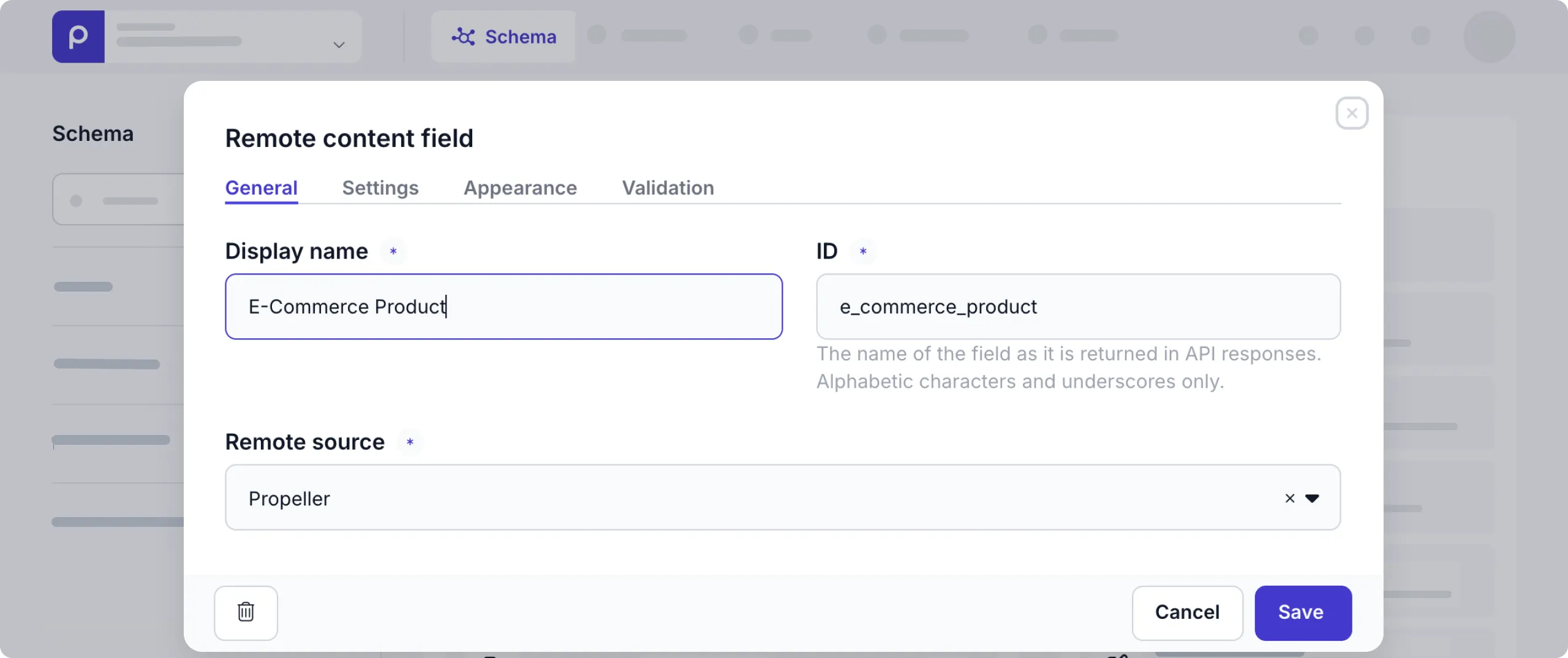
First, go to the model or component where editors can add Propeller product data and add a Remote content field, or enable the Propeller remote source in a dynamic content field in the model or component.
Once done, editors can add the Propeller data they need to a specific content item.
Retrieve Propeller content using the API
Once you have content items with Propeller products, you can retrieve the corresponding data using the Prepr GraphQL API.
QUERY
query {
   Product (id: "d855f994-2e14-411c-82b1-24b656dab853")
   {
   	_id
   	name
   	_slug
   e_commerce_product {
     _json
     _id
   }
   }
}That’s it. Now your web page includes catalog data from Propeller. Prepr will synchronize your remote content automatically to keep it up to date.