Mimir
In this guide, you’ll learn how to activate the Mimir integration in Prepr CMS. This integration allows content editors to access Mimir assets so teams can work with approved media from a DAM platform directly in Prepr.
Introduction
Mimir is a cloud-native, serverless platform that provides asset management capabilities for media companies. If your organization uses Mimir as the central source for images and other media, you can make those Mimir assets available directly in Prepr content items. This way, content editors can work with centralized DAM assets without switching between systems.
Using Mimir assets in Prepr
You can enable the Mimir integration to use Mimir assets in Prepr CMS by following the steps below.
Activate the integration in Prepr
You can activate the Mimir integration directly in Prepr.
- Click the icon to open the Settings menu and choose the Integrations option to view all integrations. Go to the Mimir card and click the Activate button.
If you do not have access to the Mimir integration yet, you can click the Try for free for 30 days button or contact our Sales team to activate the integration for longer than 30 days.
- In the Mimir app screen, paste the URL value for your Mimir account and click the Save button.
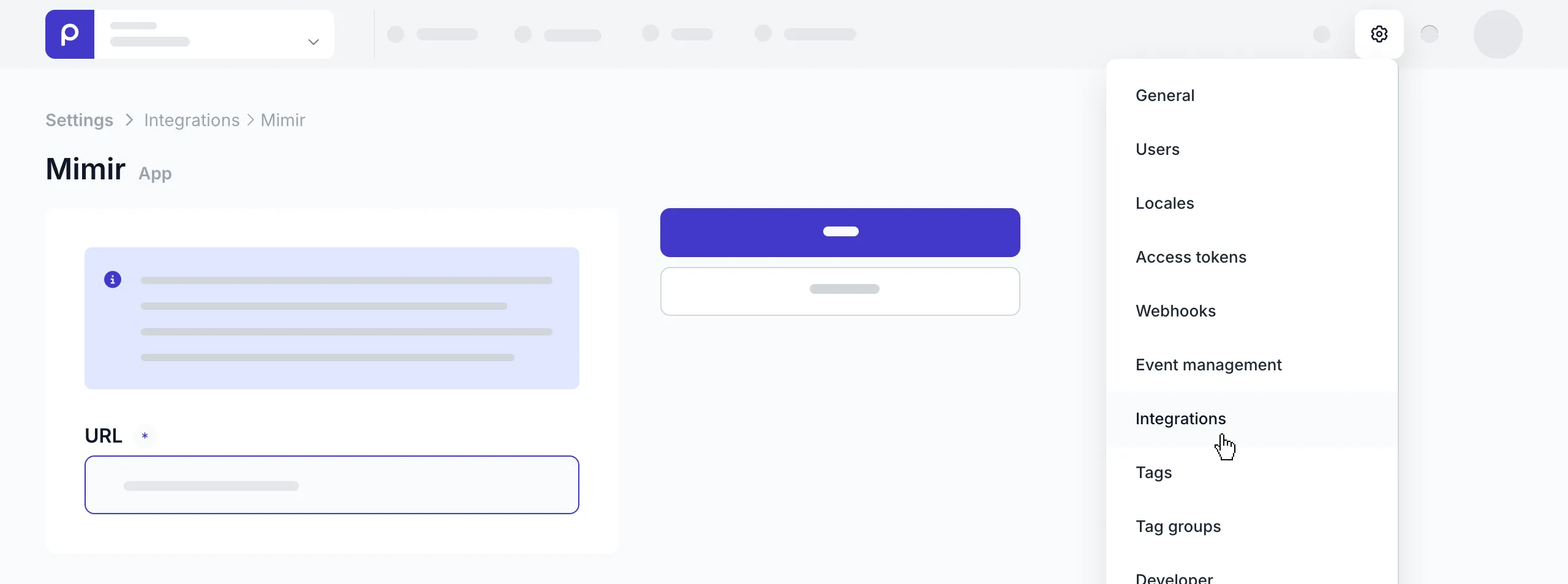
Embed Mimir assets in content items
Once your Mimir integration has been activated, content editors can select Mimir assets directly in their content items.
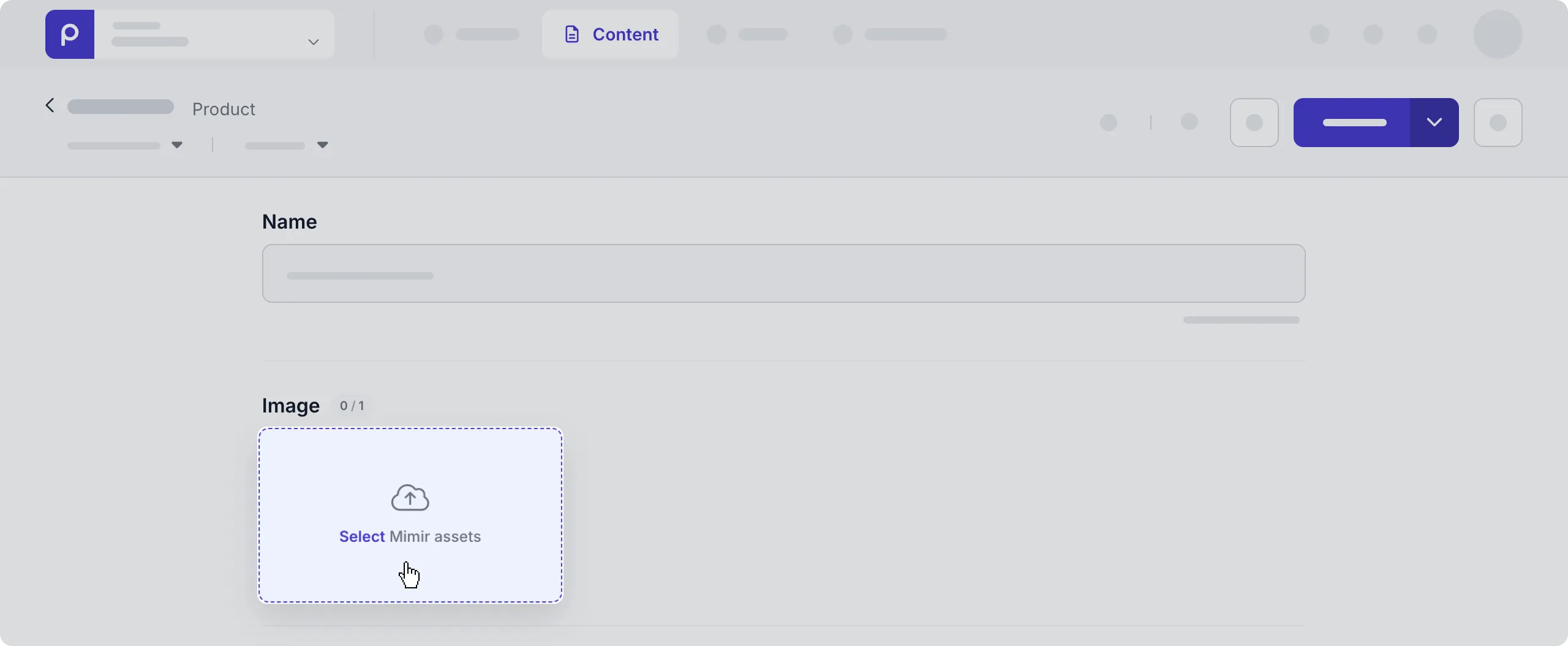
When a content editor connects to Mimir for the first time, they need to sign in with their Mimir account credentials before they can choose the asset/s they want to add to the content item.
Retrieve Mimir assets using the API
Now that the assets have been embedded in content items, you can retrieve the asset details together with the content items in your front end.
Check out the example code snippet below.
Request
query {
  Articles {
    items {
      cover_image {
        _id
        url
      }
    }
  }
}For more details on how to retrieve other content item details, check out the GraphQL API docs.
For details on different formatting options for the images you want to retrieve, check out the image API docs.
That’s it. The Mimir integration lets your team work with DAM assets directly in Prepr content.